

Using garages
Opening a garage
Walk up to the attendant at a garage and press E, or use the target option when ox_target or qb-target runs. The key is a FiveM key binding: players can change it under Settings → Key Bindings → FiveM → Garage: open or park. Garages come in three kinds: car garages hold cars and bikes, boat garages hold boats, and hangars and helipads hold aircraft. A vehicle can only be parked in a garage of its kind.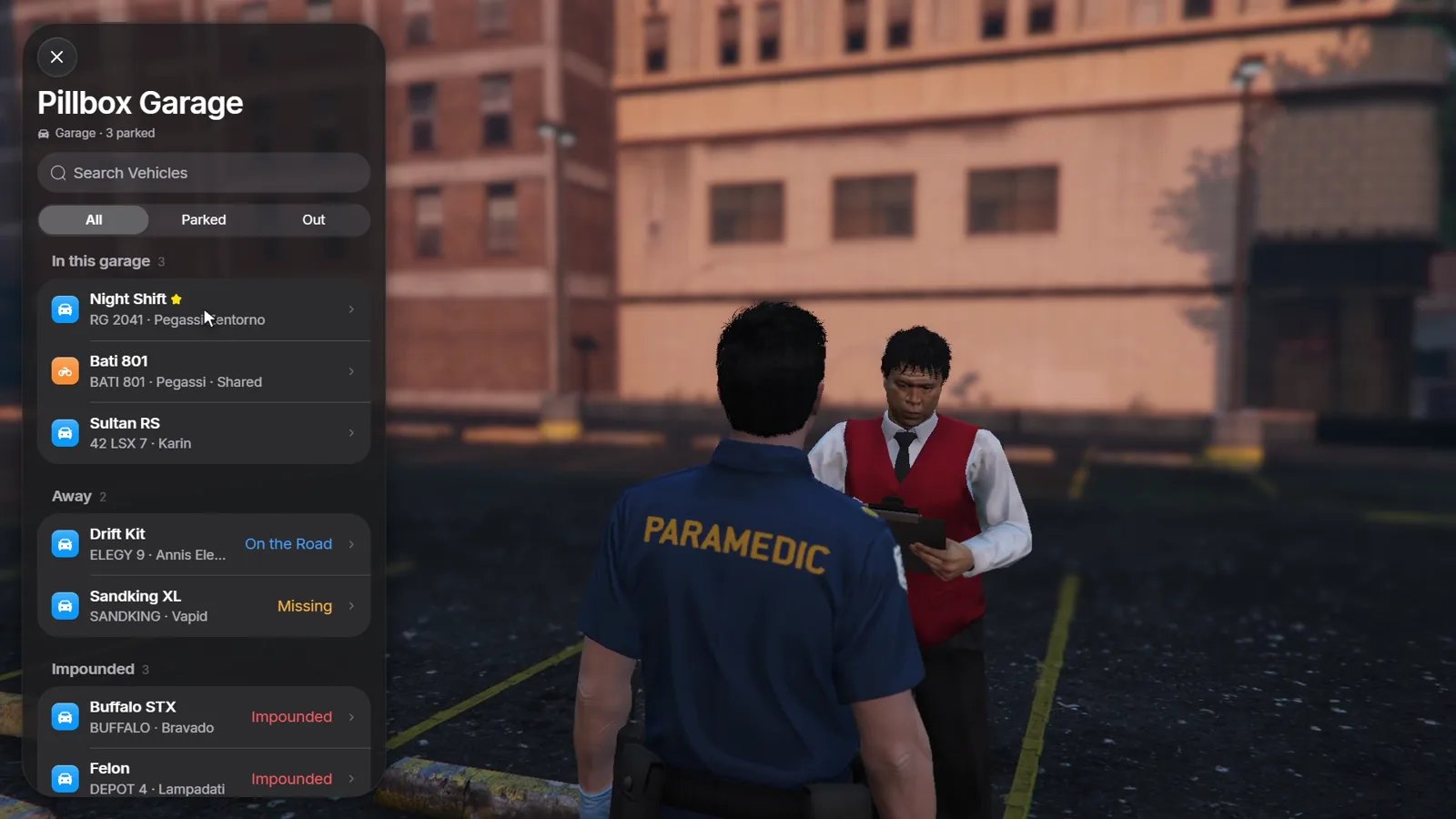
Use the search field and the All / Parked / Out filters to find a vehicle
quickly. Vehicles you marked as favourites show a star; nicknames replace the
model name. See Managing vehicles.
The vehicle page and the live preview
Tap a vehicle to open its page. While it is open, the vehicle itself stands on the garage’s parking slot with an orbiting camera, so you can look at it before you take it out.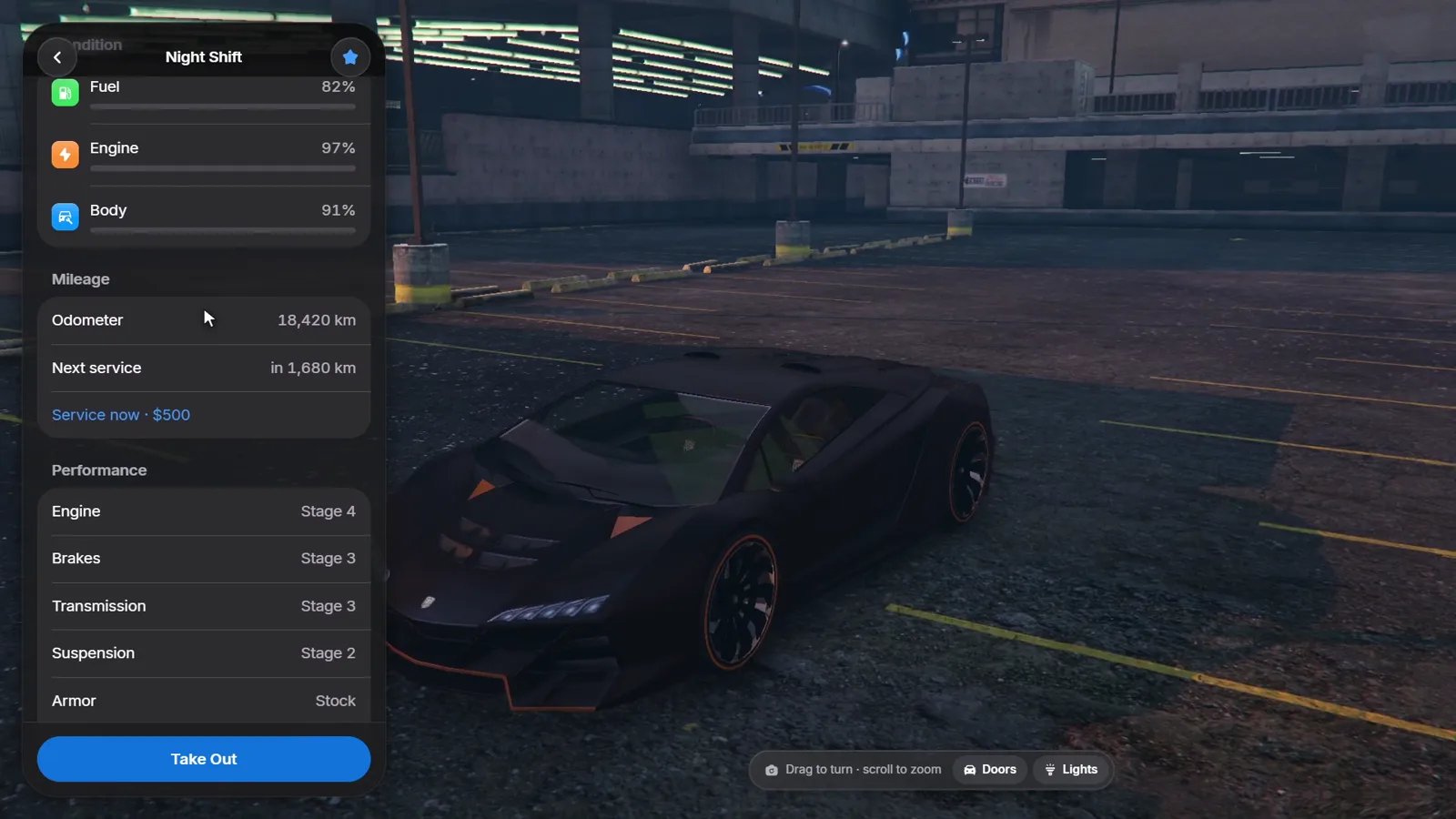
- Condition: fuel, engine and body.
- Mileage: the odometer and when the next service is due, see Mileage and service.
- Performance: the installed upgrades, such as engine, brakes, transmission, suspension and armour.
- Manage: rename, share keys, move, sell or give the vehicle, plus its activity log.
Taking a vehicle out
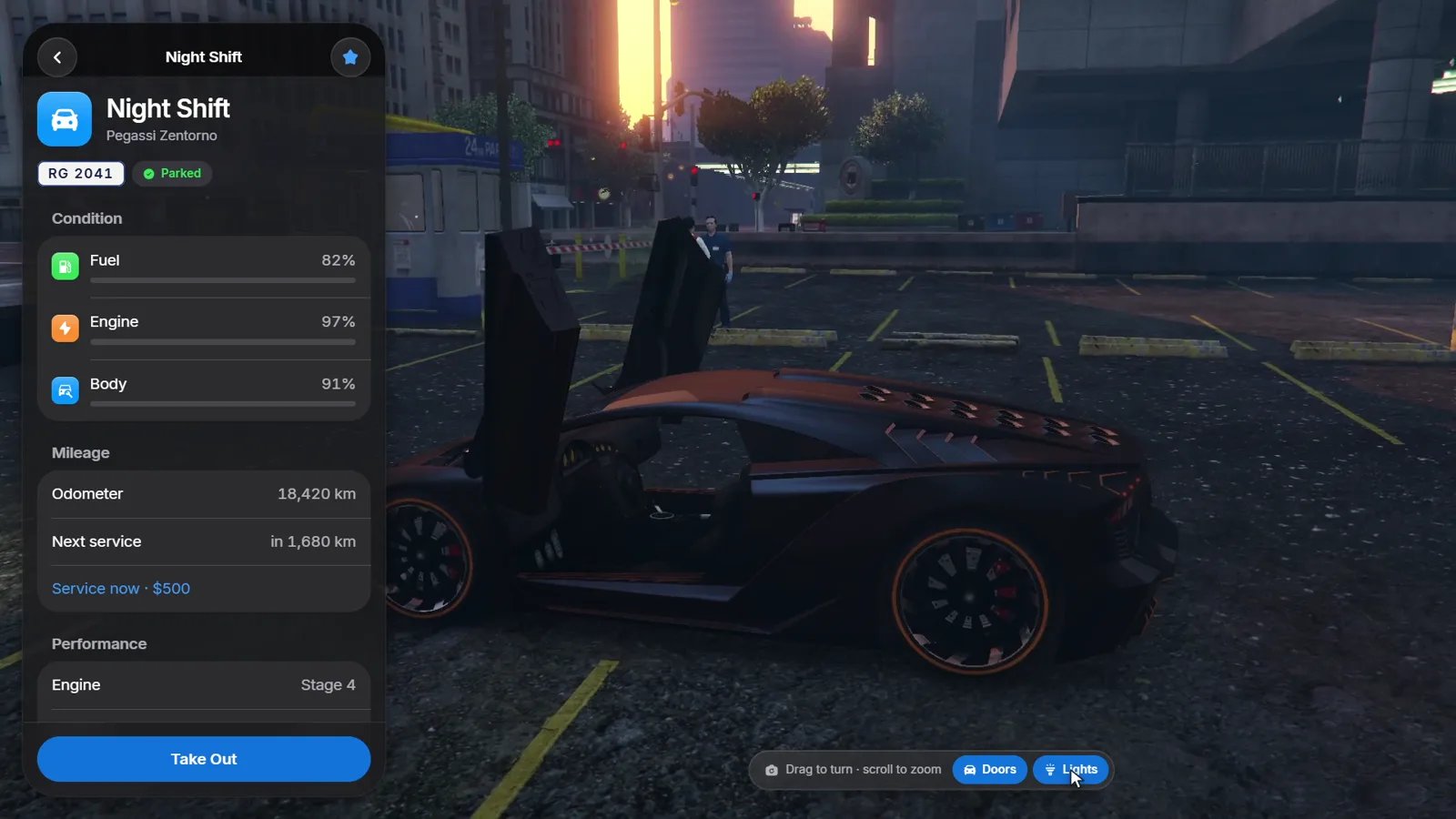
Press Take Out. The vehicle spawns on the first free parking slot of the garage with its saved mods, fuel, engine and body health and, whenConfig.SaveDamage is on, its broken doors, windows, burst tyres and dents.
You get the keys through your key script, and with Config.WarpIntoVehicle
you are placed in the driver’s seat.
A slot counts as free when no other vehicle stands within
Config.SpawnClearance metres. When every slot is blocked, you see “All
parking spots are blocked.” and the vehicle stays parked.Parking
Drive into the garage area, near the attendant or a parking slot, and press E. The vehicle is saved with its current mods, fuel, damage and mileage, then removed from the world.Parking spaces
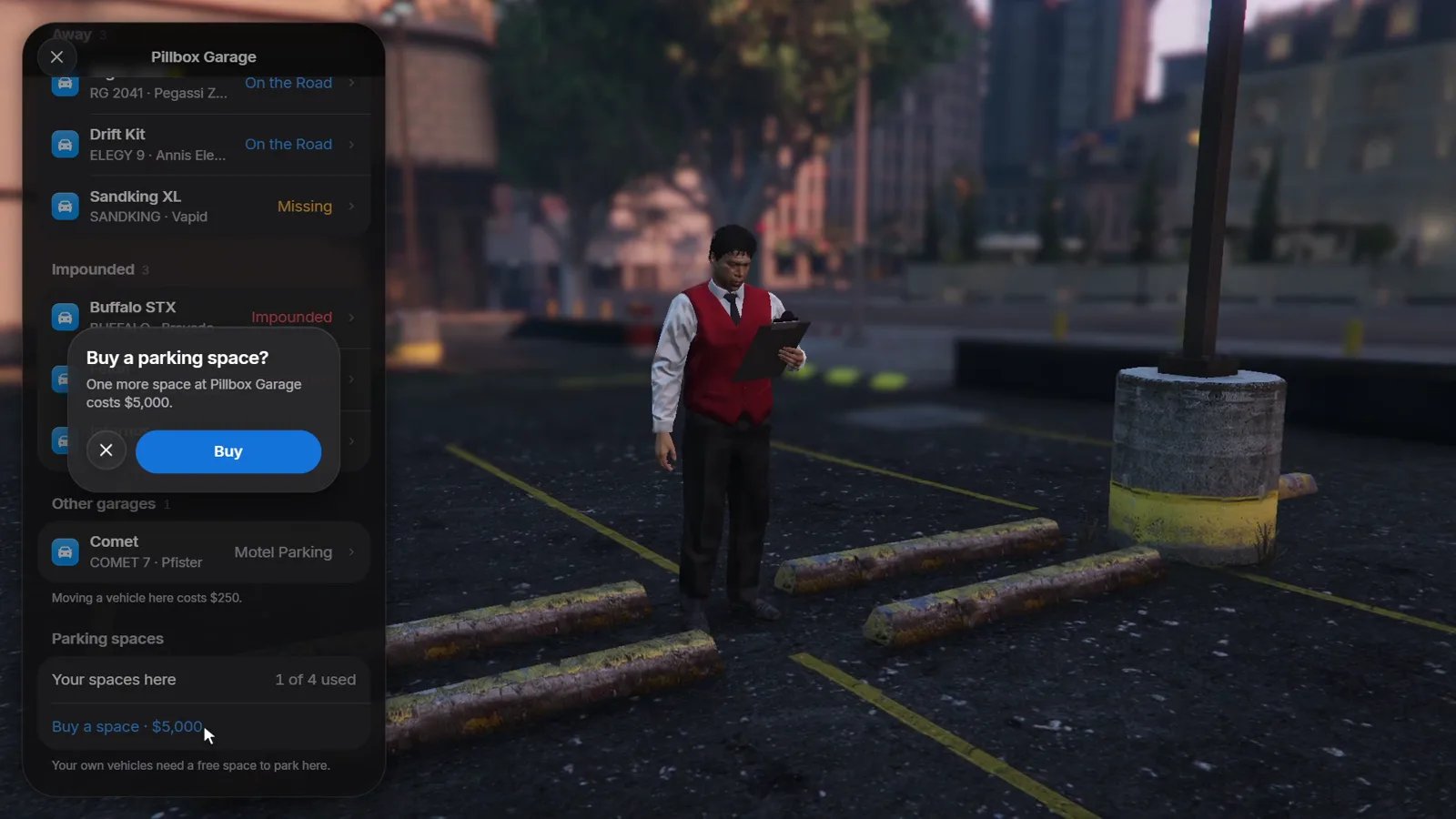
When parking spaces are limited (Config.SlotLimit, or slots on a garage),
the list shows how many of your spaces are used. You can buy extra spaces in
that garage, up to Config.MaxExtraSlots.
Missing vehicles
A vehicle that is out but no longer exists in the world, for example after a server restart, shows as Missing. You can recover it at any garage forConfig.RecoveryFee. With Config.ReturnLostOnStart, missing
vehicles return to their last garage on their own when the resource starts.
Paying
Fees for moving, recovering, extra spaces and services are paid from the accounts inConfig.PayFrom, tried in order (bank first, then cash by
default). Where the money goes is set in
Configuration.