

Cards and ATMs
Players order debit cards at a branch and use them at every ATM on the map. An ATM needs a card and its 4-digit PIN.Item cards or player-bound cards
RoadBanking picks the card mode from your inventory:
The card item only needs to be added for item
cards.
Ordering a card
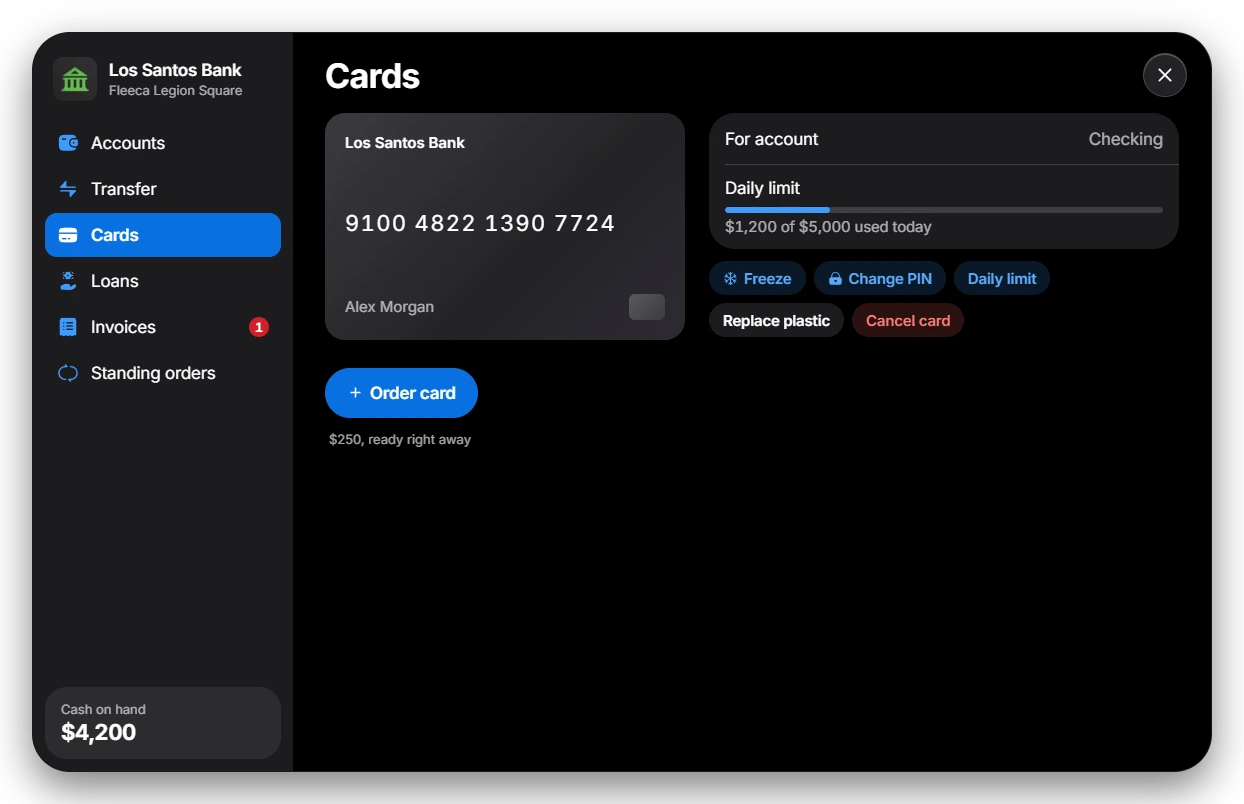
Config.Cards.OrderFee ($250 by default), paid
from that account, and is ready right away.
Who may order a card for an account:
- Checking: the owner.
- Shared: owner and managers.
- Business: employees with the
withdrawgrade or the boss.
Managing a card
Using an ATM
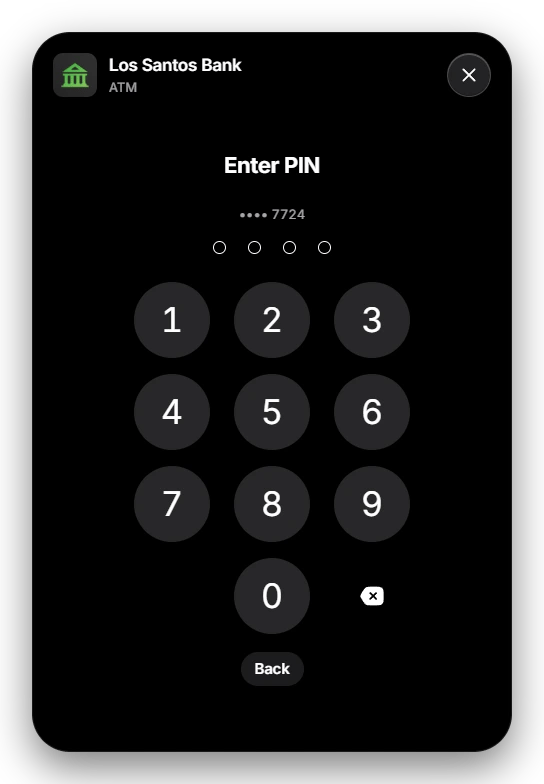
Config.ATM.Models. Players use the
target option or press E in front of one.
1
Insert a card
The ATM lists the cards the player can use: the card items they carry, or
their player-bound card.
2
Enter the PIN
After
Config.Cards.PinAttempts wrong PINs (default 3) the card is
blocked until its owner sets a new PIN at a branch.3
Choose what to do
- Withdraw with quick amounts or any other amount. The menu shows how
much of the daily limit is left. An optional
Config.ATM.Feeis added per withdrawal. - Deposit cash (when
Config.ATM.Depositis on). - Statement with the latest bookings.
- Change PIN with the current PIN.
- Return card when done.
With
Config.Cards.Enabled = false there are no cards: ATMs open the
player’s checking account directly.