

Installation
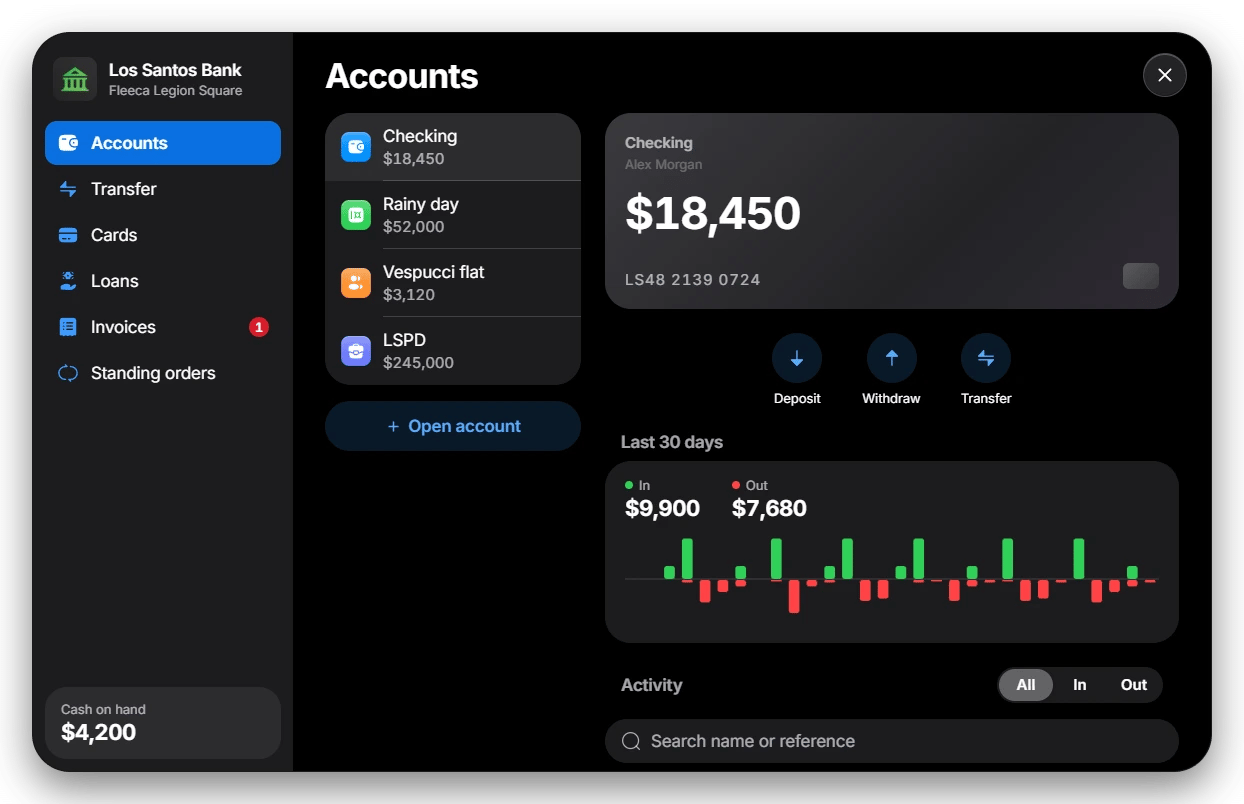
RoadBanking is a full bank for your server: checking, savings, shared and business accounts, transfers by account number, debit cards with PIN, ATMs, loans with a credit score, invoices and standing orders. Players use it at bank branches and at every ATM on the map. The checking account is the player’s framework bank balance, so wages, shops and every other script that pays into or chargesbank keep working.
Do not use FileZilla. It can corrupt or skip hidden files during upload.
We recommend WinSCP.
The download comes from the cfx.re Portal. The database
tables are created automatically on the first start.
📋 Prerequisites
oxmysql and ox_lib
Both are required and must start before RoadBanking.
OneSync
Required.
Framework
ESX Legacy, QBCore, Qbox or no framework (standalone).
Target script
Optional: ox_target or qb-target. Without one, players press E at the
counter or ATM.
🚀 Setup Instructions
1
Extract the resource
Put the folder into your resources. We recommend a
[road] folder
alongside our other scripts:2
Start it after its dependencies
server.cfg
3
Give your admins access
server.cfg
/bankadmin on every framework.4
Add the card item
With an inventory that supports item metadata, bank cards are real items.
Without one (for example the default ESX inventory), skip this step: cards
are then bound to the player. See Cards and ATMs.Copy
install/bank_card.png into your inventory’s image folder, then add
the item:- ox_inventory (ESX, Qbox)
- QBCore (qb-inventory)
Image folder:
ox_inventory/web/images/ox_inventory/data/items.lua
5
Remove other ATM and bank interactions
If another banking script also adds ATM and bank counter options, players
see both. Stop that script or remove its targets.
🌐 Language
config.lua
en) and German (de) are built in. The setting changes both the
in-game texts and the bank screen. To add your own language, see
Configuration.
✅ Verification
- The server console shows no
road_bankingerrors on start. - Bank blips appear on the map at the eight default branches.
- At a branch counter or an ATM you get the target option or the E help text, and the bank opens.
- Your checking account shows the same balance as your framework bank money.
📚 Next Steps
Accounts and transfers
Account types, shared accounts, transfers and history
Cards and ATMs
Item cards, player-bound cards, PIN and daily limits
Configuration
Branches, fees, limits, loans and owner hooks
FAQ
Any problems or questions?